ShowConnect’s Features

Event Features
XEntry import of event setups, divisions, and event fees for your event
Clone a previous event's setup to create a new event in seconds for non-XEntry events
Event-level user permissions (Event Admin, Event Secretary, Event Staff)
Event logo, slider image, facility map, stable map, and cross-country course maps can be uploaded and customized
Sliders in 'Setup Event' control when the entry list, stabling, ride times, scoring, teams, and TIP results appear on showconnect.org listing
Division setup options for dressage tests and arena size, optimum time, speed, distance, and time limits, with the ability to “Copy to Other Divisions”
Supports Horse Trials (HT), Combined Tests (CT), FEI (CCI and CIC), Classic Three-Day, and USEA/USDF dressage divisions
Supports team competitions for:
Intercollegiate Team Challenges
Interscholastic Team Challenges
Team Challenges by Level
Team Challenges by Mixed Levels
Team Challenges by Levels (Points)
Supports Thoroughbred Incentive Program (TIP) by Level or Division
Supports Young Event Horse (YEH) and Opportunity Event Horse (OEH) Qualifiers and Championships
Offers judge and official lookup by USEA, USEF, or FEI number
Provides space for multiple venues/rings per event
Supports event and division fees, prize money by placing, and special awards calculations
Supports waitlist management, including automatic or manual waitlist and entry acceptance
Entry Management
Import entries from Xentry
Create entries manually by searching Riders, Horses, Owners, or Trainers by name or USEA/USEF/FEI number
USEA database lookup used if Rider or Horse is not currently listed in ShowConnect
Draw and waitlist management: Pending, Waitlist, or Accepted with division counts
Assign or reassign entries between divisions with eligibility checks
USEA, USEF, and FEI entry validation feature for individual entries
Filter entries with deficiencies
Start and track e-signatures for Riders, Owners, Trainers, Coaches, and Parents/Guardians on a dedicated Signatures page
Supports management of in-state and out-of-state coggins
Each entry’s fees, payments, refunds, and stabling provided on one screen
Rider check-in options
Reporting
Formatted labels for dressage tests (including YEH and OEH phase), FEI passports, packets (with ride times), and stall cards
USEA Pre Show & Post Show Reports
USEF Pre Show & Post Show Reports
USEF and FEI ID Validation Reports to catch missing or incorrect numbers before the event
FEI Horse Inspection, FEI Vet Check-In, Entry List, and Post-Show reports with FEI XML results export
Finance reports: balances due, payments by method, fees, scratched fees, and refunds
Participant reports: email lists, emergency contacts, non-member report, participants’ bio, and waitlist data
Event Reports:
Check-In
Pre-Order / Hay & Shavings
Program
Ride Times
Technical Delegate (TD) Report
RV & Camping
Stabling
Order of Go
Print or export reports to PDF or CSV
COMING SOON:

Event calendar shows upcoming, current, and complete events
Each event links to its cross-country and show jumping course maps, event website, social media pages, event programs, and more
Allows for easy access to information, like:
Entry List & Status
Ride Times
Stabling
Show Information: office hours, comments, and ride times by Rider, Venue, or Division and to follow fellow riders
Live scoring, including expanded details by Rider
Fence by fence cross-country results, including Phase B (steeplechase) for Three-Day divisions
Team and TIP results
YEH and OEH results
Search results by Rider, Horse, or Pinny Number
Flag icons included for nationality recognition
Printable results
Organizers control what is shown and when using sliders in the ‘Setup Event’ portal
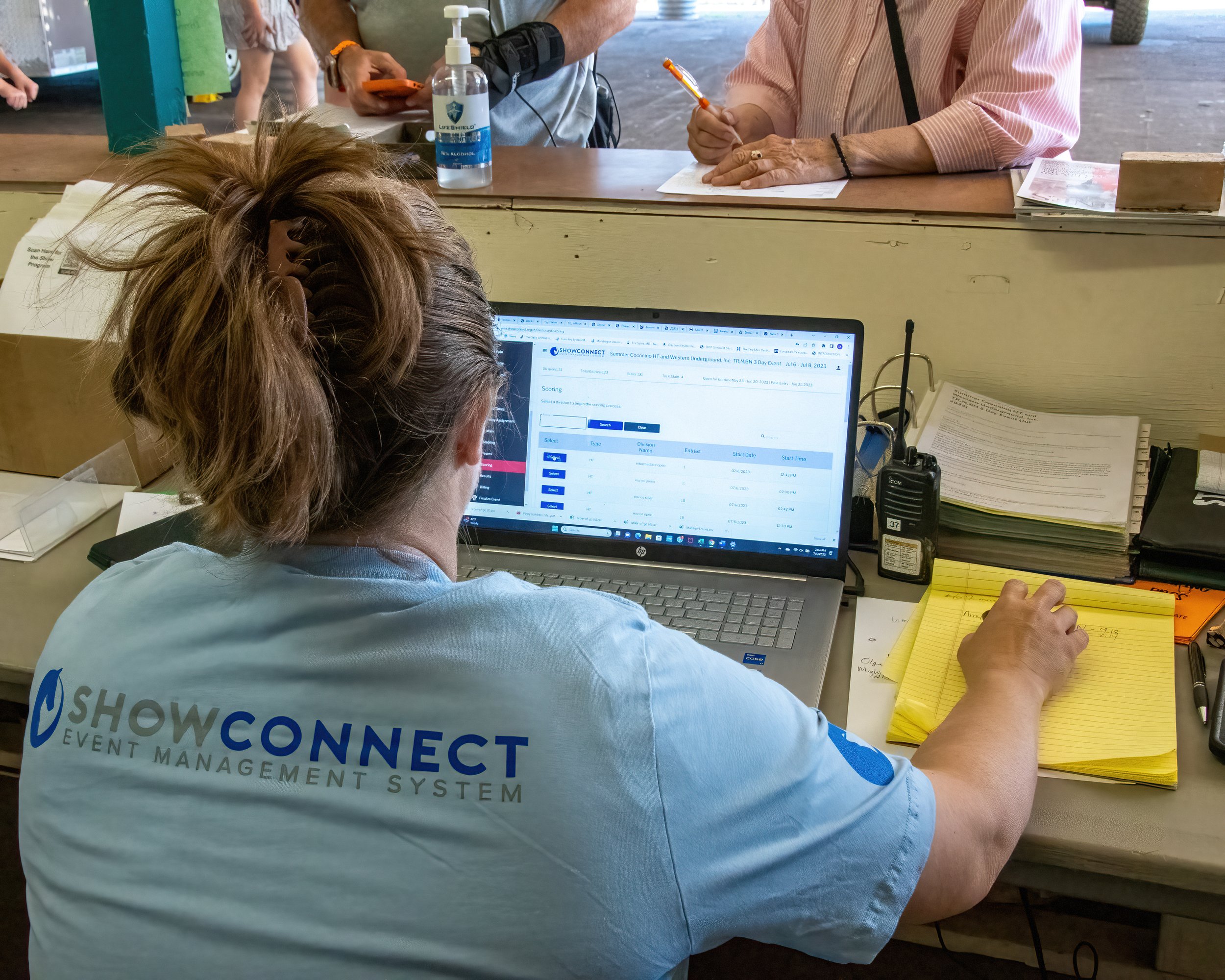
Scoring
Live interactive Announcer Report introduced at the 2026 USEA American Eventing Championships
Dressage scoring for USEA USEF, and USDF dressage tests with the collective marks, coefficients, errors of test, and up to three judges
Cross-country scoring by fence with Master Score Sheets and Master Time Sheet, hold times, and time penalty overrides
Show jumping scoring by fence with rails, refusals, and automatic time penalties
Classic Three-Day scoring for Phases A, B, C, and D, plus first, second, and final horse inspections
Native YEH and OEH scoring for Qualifiers and Championships
Shortcuts for fast cross-country and show jumping scoring entry
Option to set divisions so they do not calculate time penalties
Sort by ‘Pinny Order’ or ‘Display Highlighted Riders’ with letter codes at the bottom
‘Results’ module shows a snapshot of completed phases with ‘Inquiry Timers’
Print or export results by phase, including as a .CSV file
Teams scores are auto calculated after Team Rosters are built and individuals are scored
TIP results are auto calculated for Riders who provide their horse’s TIP # with entry
Scores go live on showconnect.org as soon as they're finalized
Fence-by-fence cross-country details on the public site, including Phase B (steeplechase) for Classic Three-Day divisions
Scheduling
NEW Scheduling Module introduced in 2026
Schedule divisions by phase across multiple days and multiple rings/venues
Set start times, ride time intervals, and extra slots for late entries
Add judges breaks, lunch, course walks, jogs, and other activities
Assign ride times by pinny order, random order, same order as previous phase, or reserve order of standing
Supports Classic Three-Day phases (A, B, C) and YEH Jumping and Conformation phases
Swap riders, shift an entire division’s times, or move riders into open slots
Conflict resolution module flags riders whose times are too close together, using a minimum interval you set
Automatic pinny assignment with a custom starting number and excluded numbers
Preview, print, and export schedules, then publish rider times online when ready
Import entries from other entry platforms or as an Excel/CSV spreadsheet, so any event can utilize ShowConnect for scoring